
HP | SKU: HPQ17379_Cha_Oth
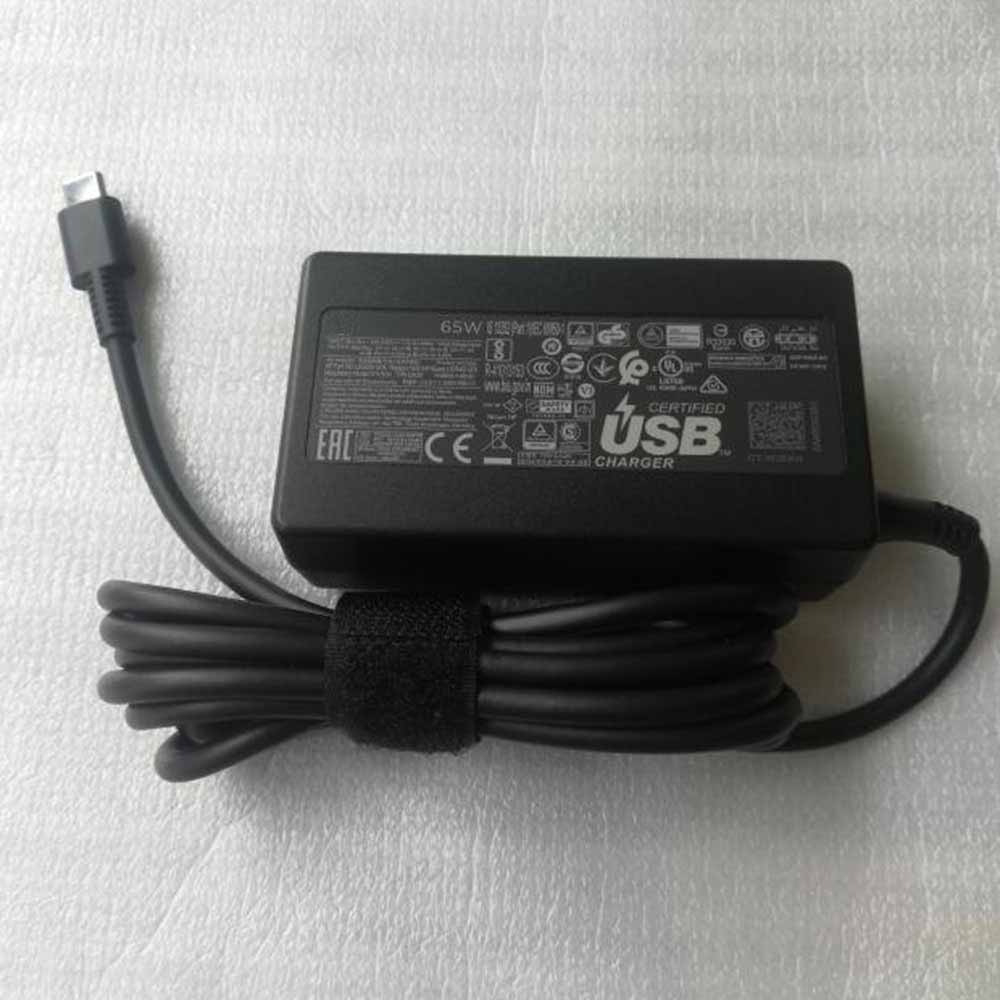
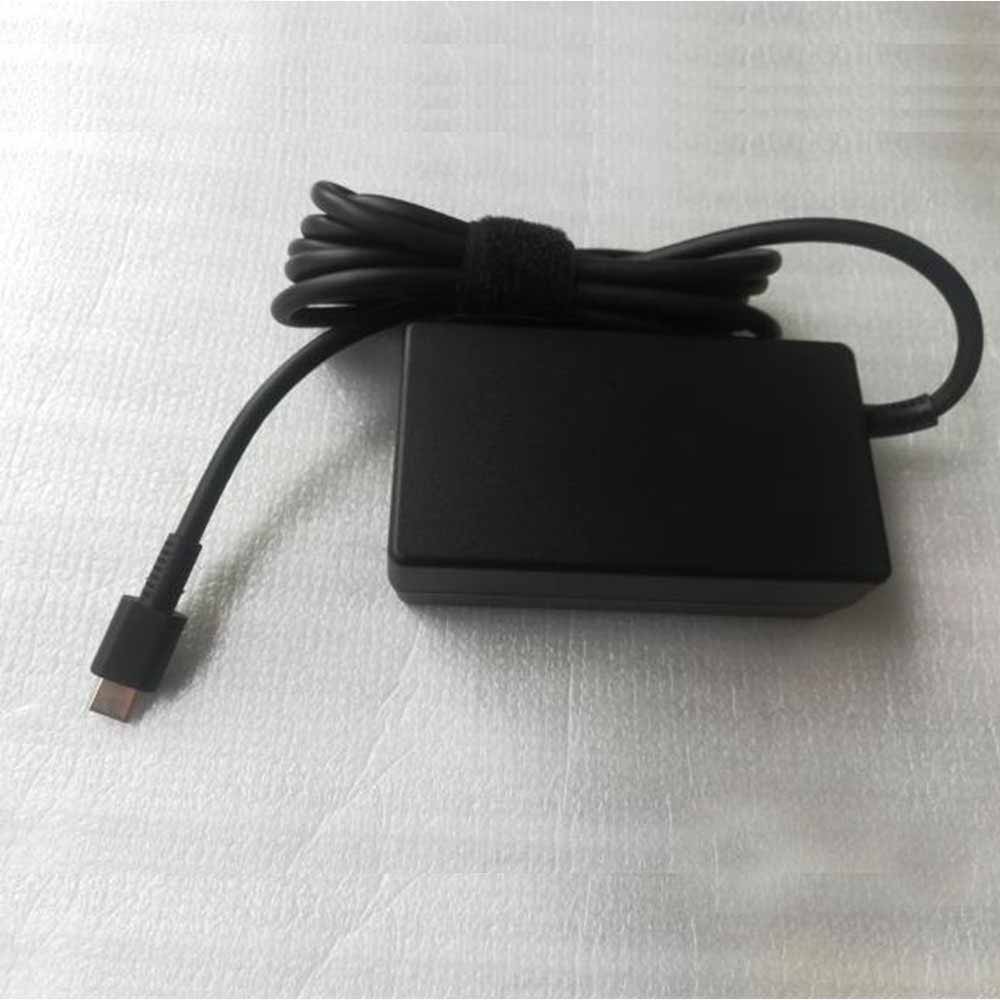
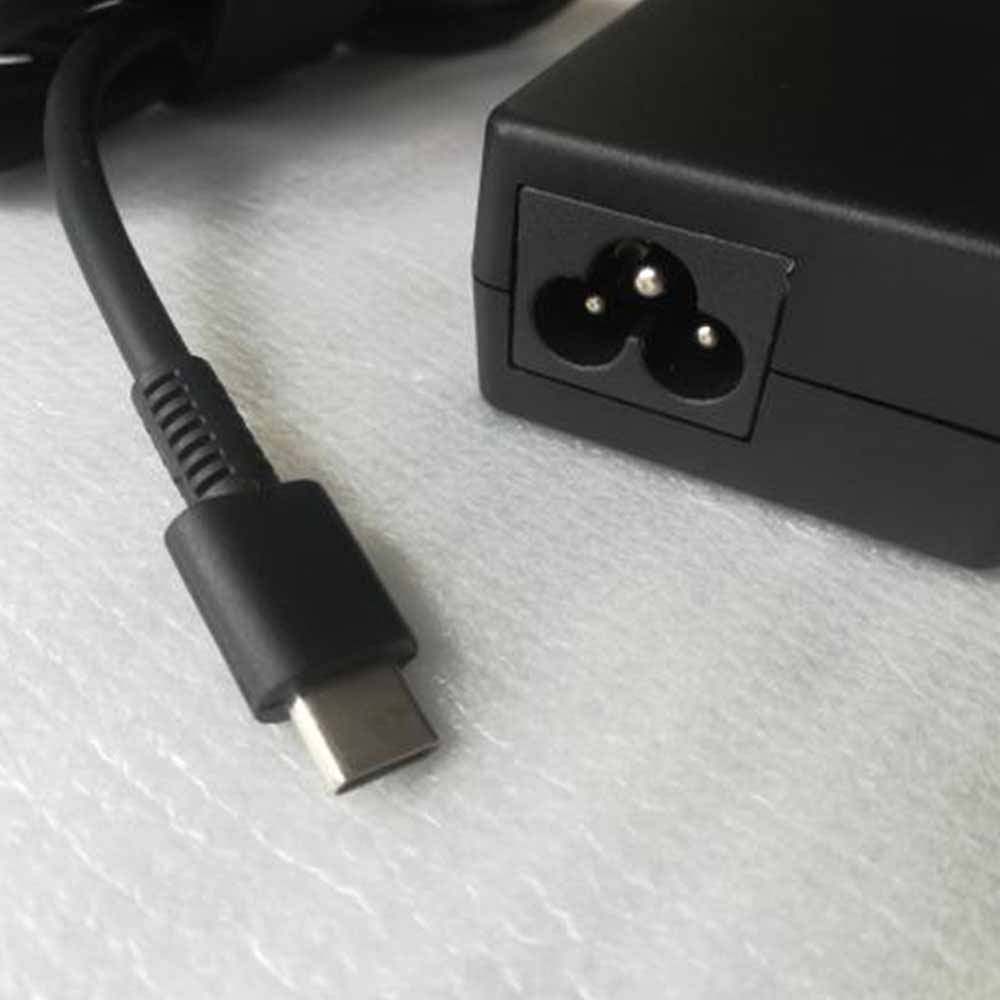
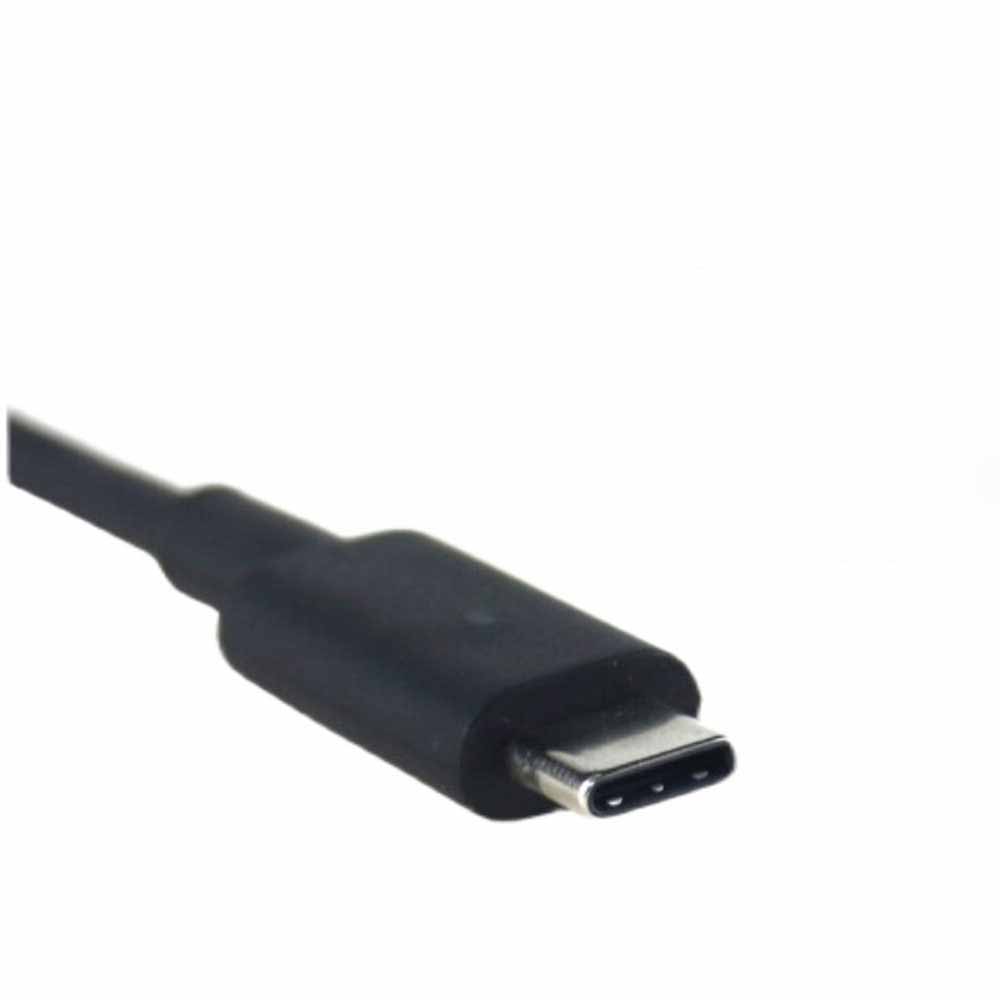
TPN-CA06 Replacement Charger for HP Chromebook X360 14-CA051WM 14-CA051WM (65W)
$89,43
Upgrade your power supply with the HP Chromebook X360 14-CA051WM 14-CA051WM AC Power Adapter, designed for efficiency and durability.
Fast & Free Delivery
Easy 30 Day Return Policy
12-Month Warranty
Secure online payments
Easy 30 Day Return Policy
12-Month Warranty
Secure online payments
Input Voltage:
- 100-240v / 50-60Hz
Output Voltage:
- 5V 3A/9V 3A/12V 5A/15V 4.33A/20V 3.25A 65W
Power:
- 65W
Model:
- TPN-CA06
Compatibility:
- HP Chromebook X360 14-CA051WM 14-CA051WM
HP Chromebook X360 14-CA051WM 14-CA051WM — 65W Replacement Charger (TPN-CA06)
Reliable Performance
Ensures consistent and efficient power delivery, reducing the risk of power
interruptions during use.
Durability
Built with high-quality materials to withstand regular use and travel,
making it a durable and long-lasting power solution.
Safety Features
Includes over-voltage, over-current, and short-circuit protection to
safeguard your device and the power adapter itself.
Replaces the following parts
TPN-CA10 TPN-LA12 PA-1650-38HT L04540-002 L04650-850 A065R161P 860065-002, 860209-850, 925740-002, TPN-CA06, 1588-3003, HU10674-16024
Compatible with the Following Devices
HP Spectre X360 15 X2 Envy 360 Spectre 13t
HP Elite x2 1012 g2
HP Pro x2 612 g2
Lenovo Elitebook X360 1030 G3
Lenovo Yoga 370 730 730-13IKB
Lenovo Yoga 910 910-13 910-131KB Glass
Lenovo Yoga 5 Pro 80VF 80VG 80VF002JUS USB-C
Lenovo Yoga 720-13IKB 720-131KB USB Type-C
Compatibility Note: Please check your original Charger model before ordering. Professional installation recommended.
What's in the Box
1x HP Chromebook X360 14-CA051WM 14-CA051WM Charger (TPN-CA06, 65W)
RELATED SEARCHES
HP Chromebook X360 14-CA051WM 14-CA051WM Charger Specifications:
| Condition | New |
| Input Voltage | 100-240v / 50-60Hz |
| Output Voltage | 5V 3A/9V 3A/12V 5A/15V 4.33A/20V 3.25A 65W |
| Power | 65W |
| Model: | TPN-CA06 |
| Compatibility: | HP Chromebook X360 14-CA051WM 14-CA051WM |
| Certifications | CE, RoHS, UL |
| Protection Functions | Overcharge, Deep Discharge, Overvoltage, Overcurrent, Short Circuit |
| Warranty | 12 Months |
Upgrade your HP Chromebook X360 14-CA051WM 14-CA051WM with a high-quality replacement Charger and enjoy improved performance and longer usage time.
Battery Care Tips
Getting Started
Charge your new battery fully before you use it for the first time. Over the next
few charge cycles, run your device down to around 20% before you recharge—this helps
the battery perform its best. After that, charge whenever you need to.
Keep It Healthy
Avoid letting your battery completely drain or staying plugged in constantly. Both
extremes wear it out faster. Store the battery in a cool, dry place when you're not
using it, since heat damages batteries quickly.



Shipping policy
We strive to ensure that your order arrives quickly, safely, and on time.
Free Worldwide Shipping
We offer FREE shipping on all orders.
Processing Times
Orders are generally processed and shipped from our facility within 1-2 business day (excluding weekends and holidays).
Delivery Times
Once shipped, orders typically arrive within 7–15 business days within the contiguous United States, depending on the shipping method and destination.
Please note: These are estimated delivery times. Actual delivery may be affected by customs clearance, weather, or other unforeseen circumstances. We appreciate your patience and understanding.
Tracking Information
When your order has shipped, you will receive an email informing you of your package being shipped along with a tracking number. If for any reason you don't receive this or for more shipping information, please contact us along with your order number.
Please note, tracking can take around 24---48 hours to update after dispatch.
Important Information
We are not responsible for incorrect addresses entered by the customer.
Payment policy
My Battery Parts accepts payments by any of the following methods:
Visa, MasterCard, American Express, and Discover Credit and Debit Cards, Google Pay and PayPal.